How to setup Klaviyo
Written By Giftnote Admin
Last updated About 11 hours ago
Heads up — Giftnote v3 is here and the app looks different. We have just launched a completely new interface, so some screenshots and menu names in this article are still from the old version. We are updating the help docs over the next few days. In the meantime, if you get stuck, email support@giftnote.com and we will help you out.
Use our integration with Klaviyo for total control and customization of the gifting journey.
Configure Klaviyo from the Giftnote Dashboard.
Open the Giftnote App inside your Shopify Admin
Navigate to settings > integrations
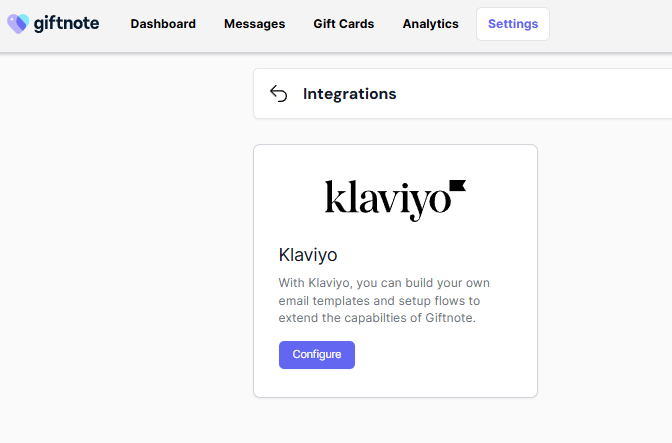
Click configure to open Integration settings screen.
Click "Connect"
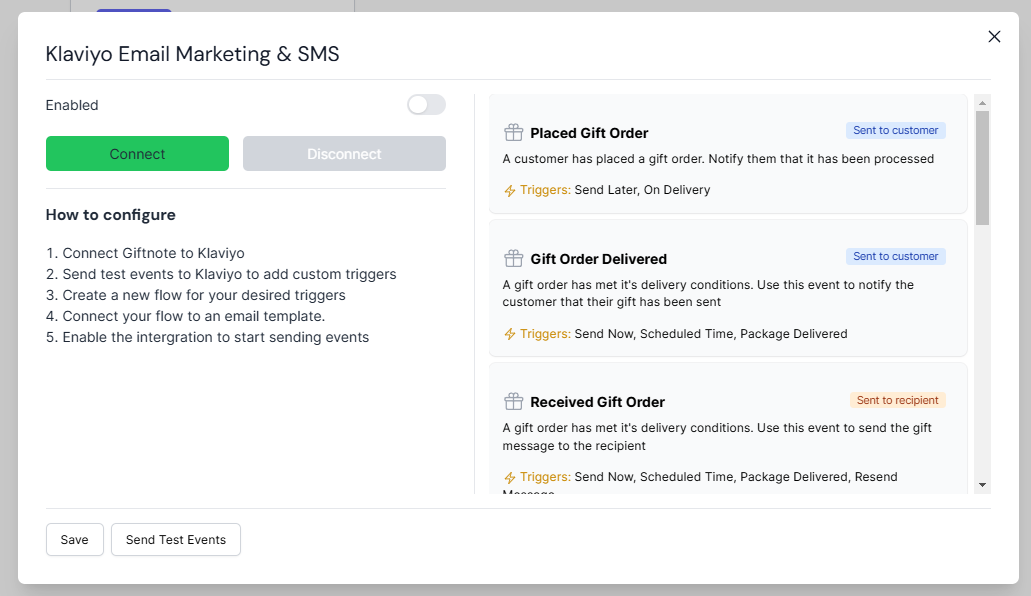
You'll be redirected to Klaviyo to approve the integration
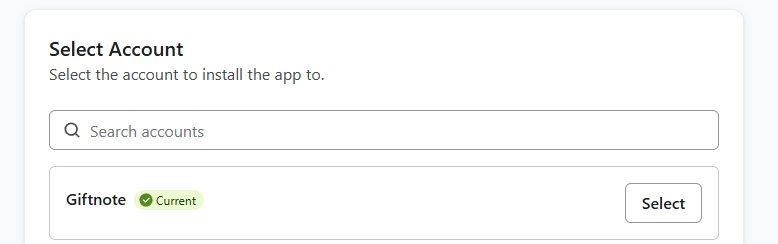
If you have multiple accounts, select the correct account to connect to.
Review the permissions
Click allow to complete the connection
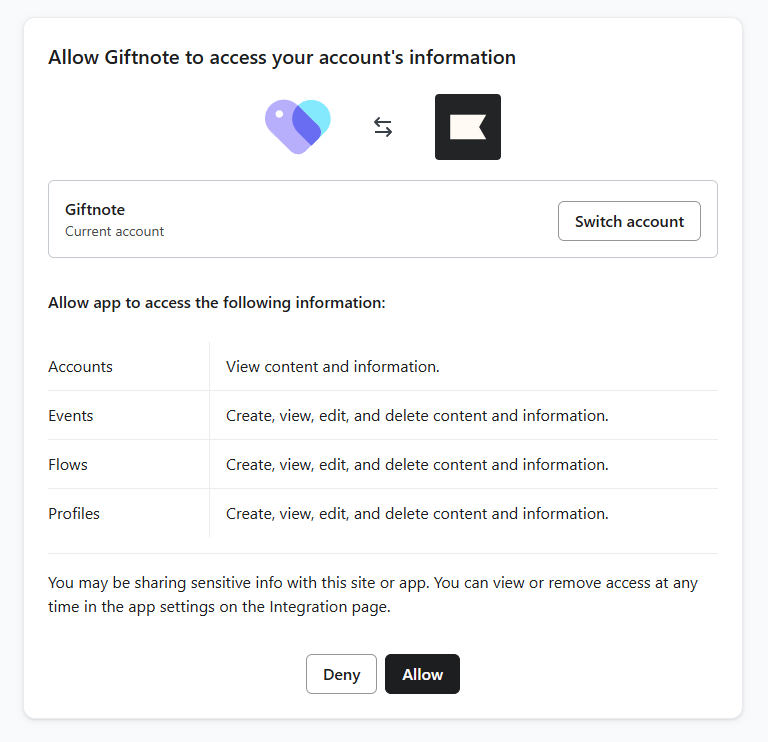
You'll be back in Giftnote with the Klaviyo integration now "disabled"
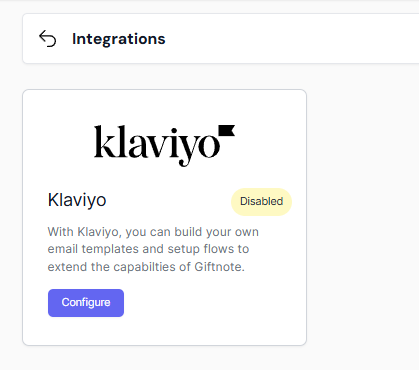
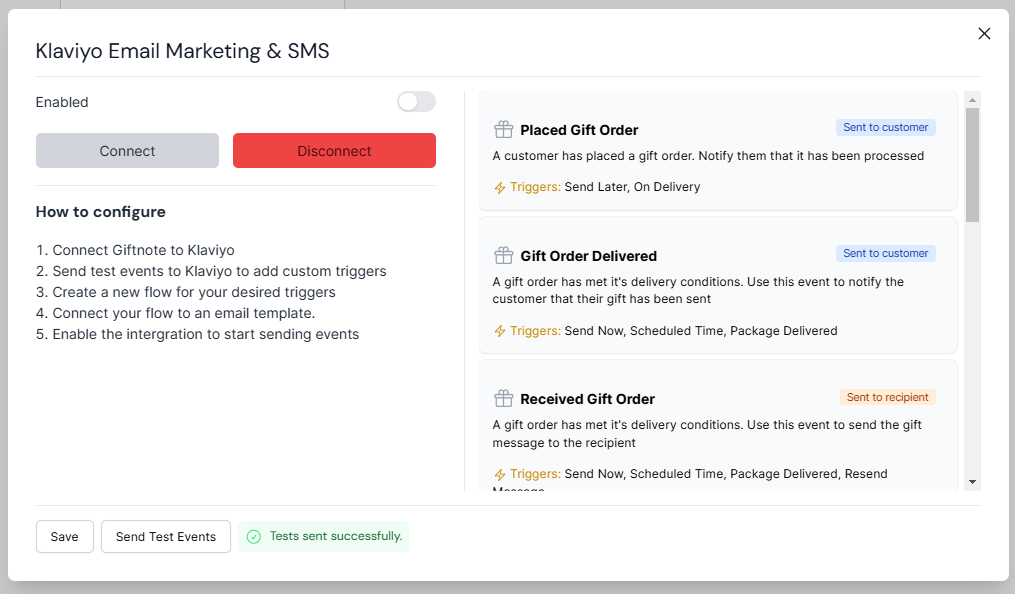
Open the modal again
Send test events
Review the events sent in Metrics > Activity feed from Giftnote
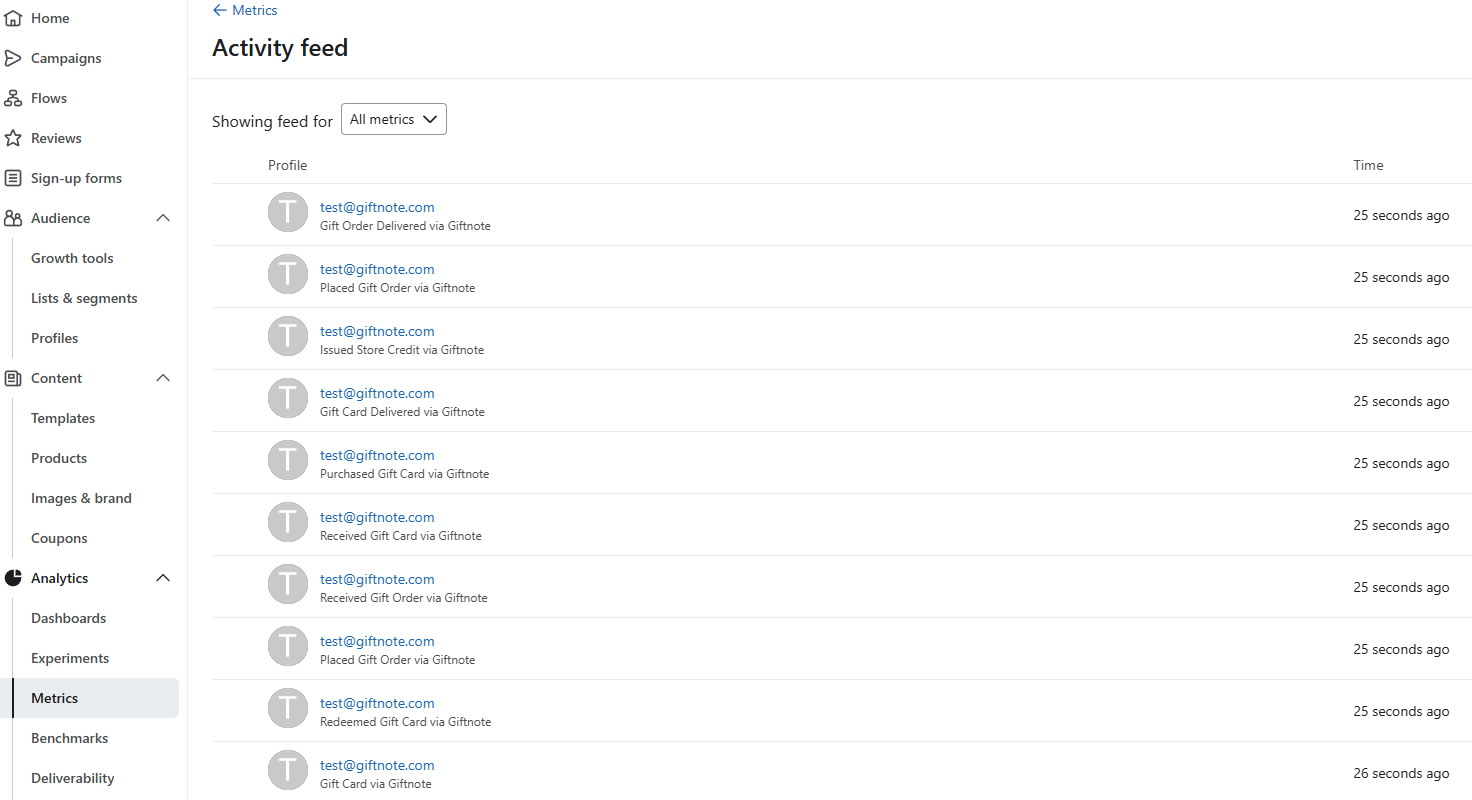
You can now create flows based off these events as triggers
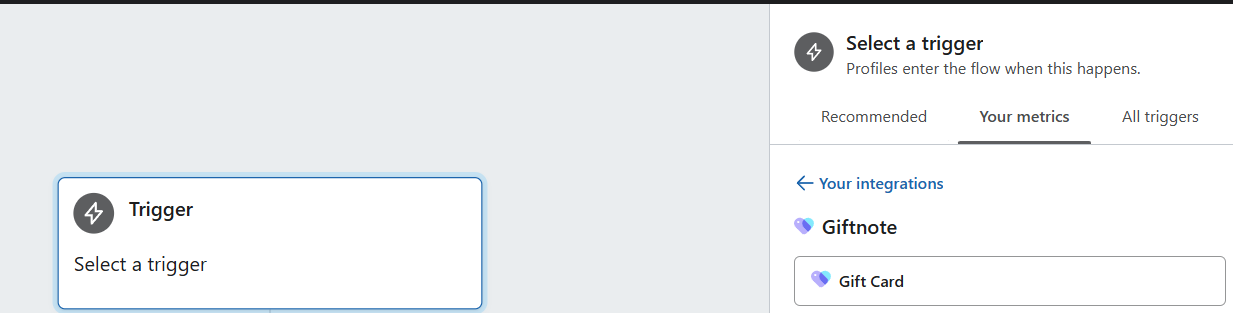
When you're ready, head back to Giftnote admin
Enabled Klaviyo and hit Save
Events will now be sent to Klaviyo!
Email Merge Fields for Giftnote
Use these snippets to pull the right data into your automated emails.
Keep each field exactly as written to avoid broken placeholders.
Message based gifts
Use these fields for standard gift messages.
{{ event|lookup:'Scheduled Time'|default:'' }}
{{ event.Message|default:'' }}
{{ event.To|default:'' }}
{{ event|lookup:'Delivery Method'|default:'' }}
{{ event.From|default:'' }}
These fields cover the full message workflow.
You get the sender, recipient, message text, delivery method, and the scheduled delivery time.
Gift card based gifts
Use these fields when the order includes a gift card.
{{ event|lookup:'Gift Card Code'|default:'' }}
{{ event|lookup:'Gift Card Value'|default:'' }}
{{ event|lookup:'Scheduled Time'|default:'' }}
{{ event|lookup:'Gift Card Sku'|default:'' }}
{{ event.Message|default:'' }}
{{ event|lookup:'Gift Card Expiry'|default:'' }}
{{ event.From|default:'' }}
{{ event|lookup:'Delivery Method'|default:'' }}
These fields give you the full card details.
Example payloads
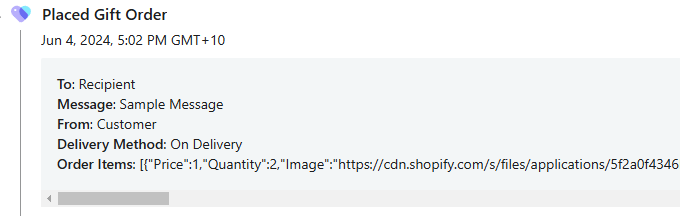
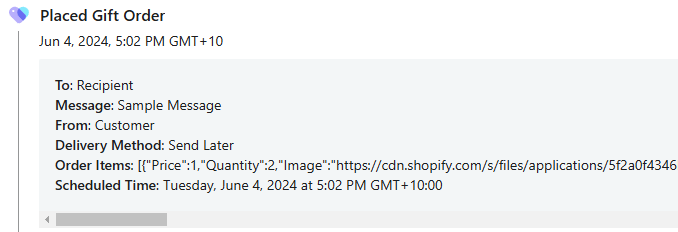
Gift Order Delivered
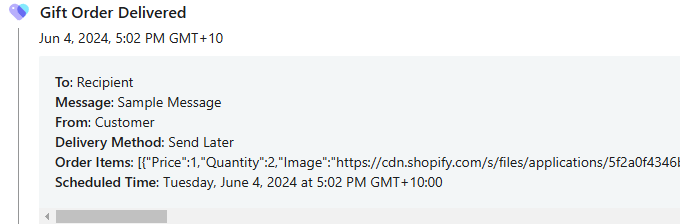
Received Gift Order
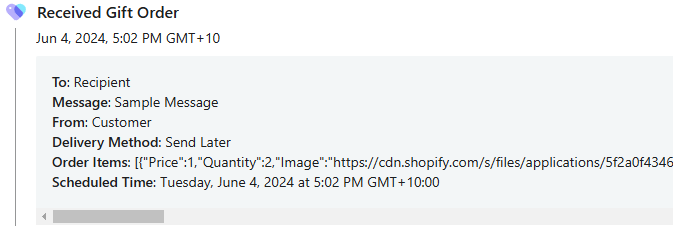
Purchased Card Delivered
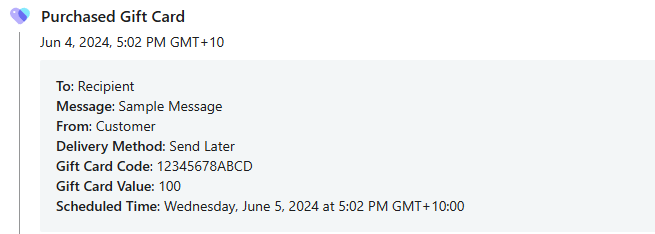
Gift Card Delivered
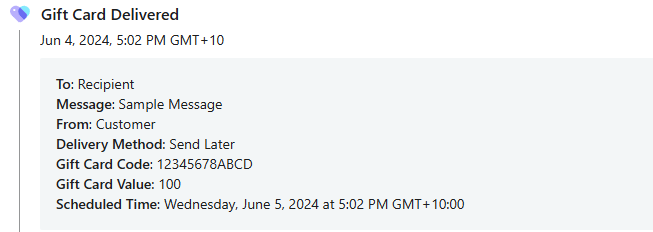
Received Gift Card
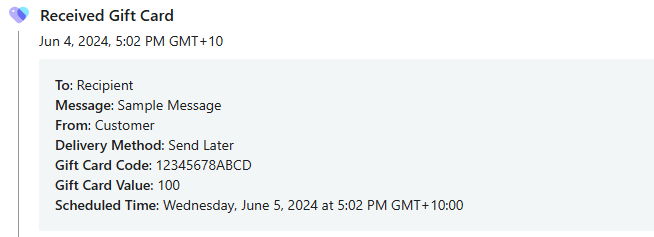
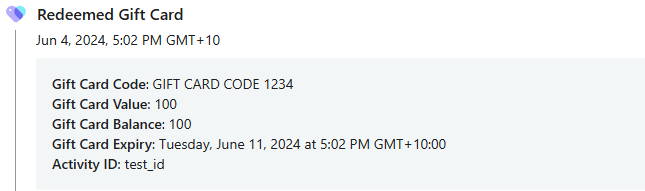
Redeemed Gift Card
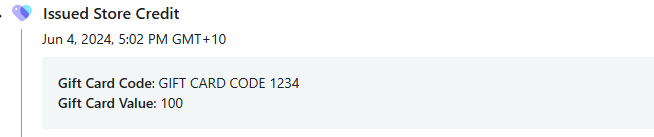
Issued Store Credit
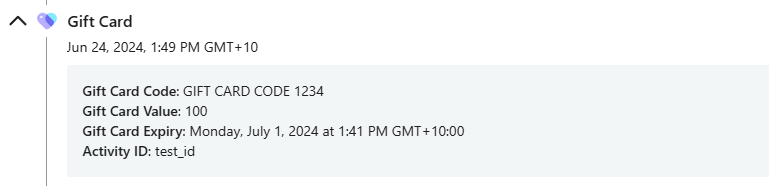
Gift Card