1. Get Started with Giftnote
Giftnote turns gifting into a scalable revenue channel for your Shopify store. Whether you're adding gift messages to every order or launching a full-scale corporate gifting portal, this guide will get you live in minutes.
Written By Giftnote Team
Last updated About 10 hours ago

Heads up — Giftnote v3 is here and the app looks different. We have just launched a completely new interface, so some screenshots and menu names in this article are still from the old version. We are updating the help docs over the next few days. In the meantime, if you get stuck, email support@giftnote.com and we will help you out.
1. Install the App
Install Giftnote via the Shopify App Store:
👉 https://apps.shopify.com/giftnote
You’ll be prompted to choose a plan to activate your account
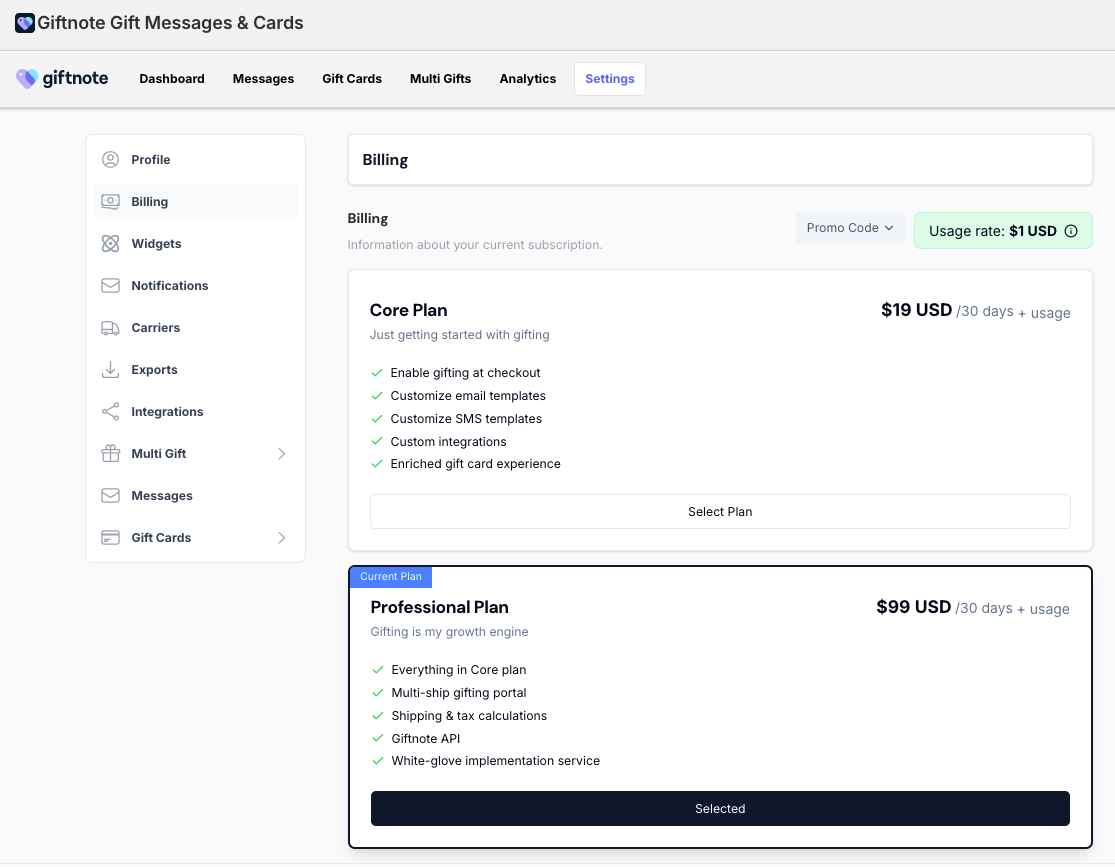
2. Choose Your Plan
Inside the Giftnote app, select one of the following:
1. Core Plan: For branded gift messages and digital gift cards.
Multi-Gift (Pro) Plan : Adds corporate gifting portal
Confirm billing to unlock the full feature set.
3. Set Up the Three Core Features
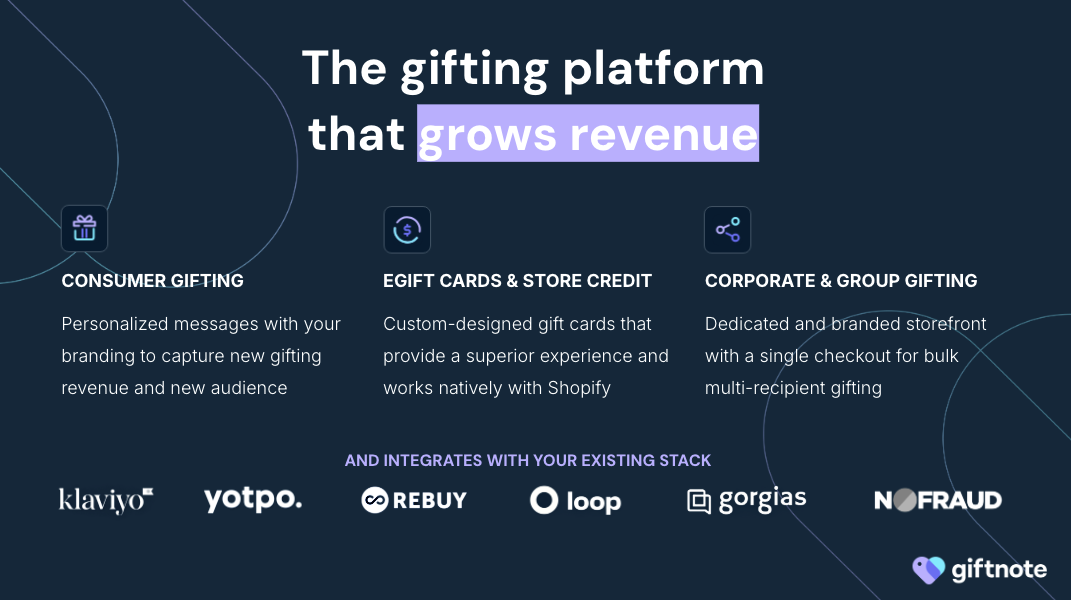
After billing is confirmed, follow the setup flows for each core feature:
Gift Messages — Add our widget to PDP, cart drawer, or checkout, send automated gift messages to gift recipients
Gift Cards & Store Credit — Sell digital gift cards with branded delivery.
Multi-Gift — Launch a portal for corporate and multi address gifting
Click through to each section for step-by-step guides.
Need help? support@giftnote.com