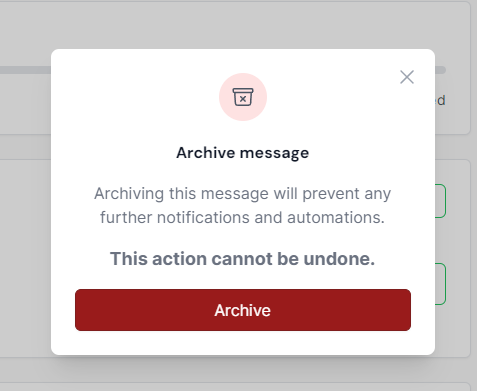
Delete a gift order
Written By Giftnote Admin
Last updated About 10 hours ago
Heads up — Giftnote v3 is here and the app looks different. We have just launched a completely new interface, so some screenshots and menu names in this article are still from the old version. We are updating the help docs over the next few days. In the meantime, if you get stuck, email support@giftnote.com and we will help you out.
Giftnote gift orders can be cancelled if needed within the app. This can be used in case an order has been set incorrectly
Deleting the message
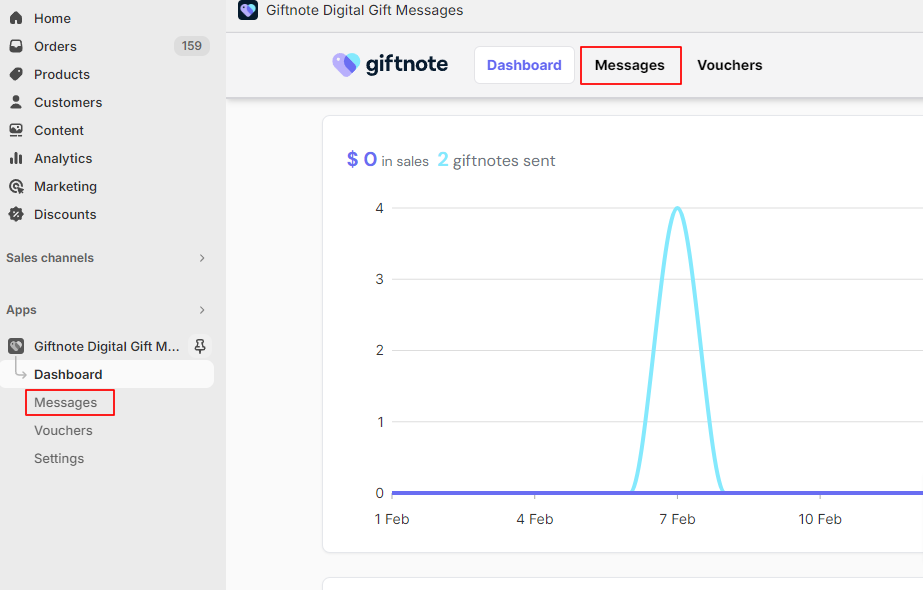
On the Giftnote dashboard select messages either via the top navigation of the Shopify navigaiton on the left.
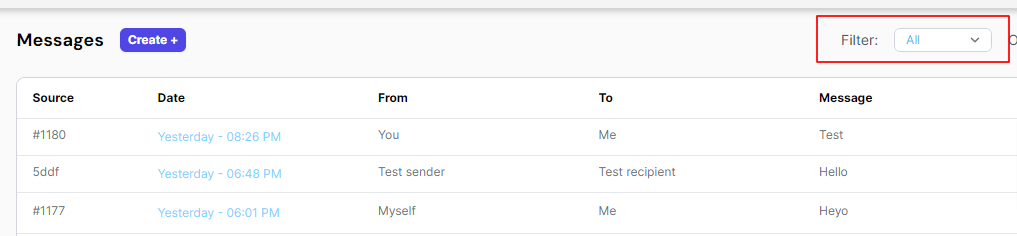
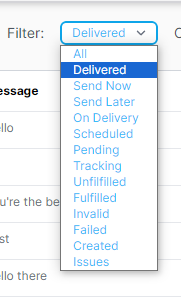
Locate the message that needs to be resent. The filter on the top right of the page can be used to help narrow down the messages.
After the message has been located select the message to open the message summary. Select ‘Archive’ on the right of the page. This will open a confirmation popup.
Note: After deletion, the message cannot be recovered.