2. Incentivize Gifting with Shopify Flow + Giftnote
Example Shopify Flow setups that use Giftnote triggers and gift card actions to reward gifters, recipients and loyalty members.
Written By Giftnote Team
Last updated 27 days ago
With Shopify Flow and Giftnote, you can reward people automatically: loyalty points for gifters, a gift card when a loyalty member moves up a tier, or credit for someone who received a sample. Below are four example workflows to copy. Shopify Flow is free on the Shopify App Store. New to Giftnote in Flow? Start with Shopify Flow.
A gift card reward gives people a reason to come back and spend it, and it protects your margin better than a discount.
For loyalty points, you need a loyalty app with Shopify Flow actions, such as Okendo, LoyaltyLion, Growave, Rivo, Yotpo, Rise.ai, Toki, Influence.io or Smile.io.
Flow 1: Reward Gifters with Loyalty Points
Give customers points once their gift is delivered, so they gift more.
Example setup
Trigger:
Order Message delivered(Giftnote)Condition:
Order total > $100(or any value you set)Action:
Add loyalty points to customer(from your loyalty app)
Tip: Awarding points after delivery means cancelled orders don't earn points.
Flow 2: Reward Tier Upgrades with a Gift Card
Send a gift card automatically when a loyalty member reaches a new tier.
Example setup
Trigger:
Customer tier upgraded(from your loyalty app)Action:
Create Gift Card $Value: choose an amount (for example $25)
Flow 3: Incentivize Recipients of Sample Products
Send people who received a sample a gift card towards the full-size product.
Example setup
Trigger:
Order paid – ShopifyCondition:
Order contains SKU/product tag = sampleAction:
Create Gift Card $(to the recipient)Email address: the recipient email from the order's
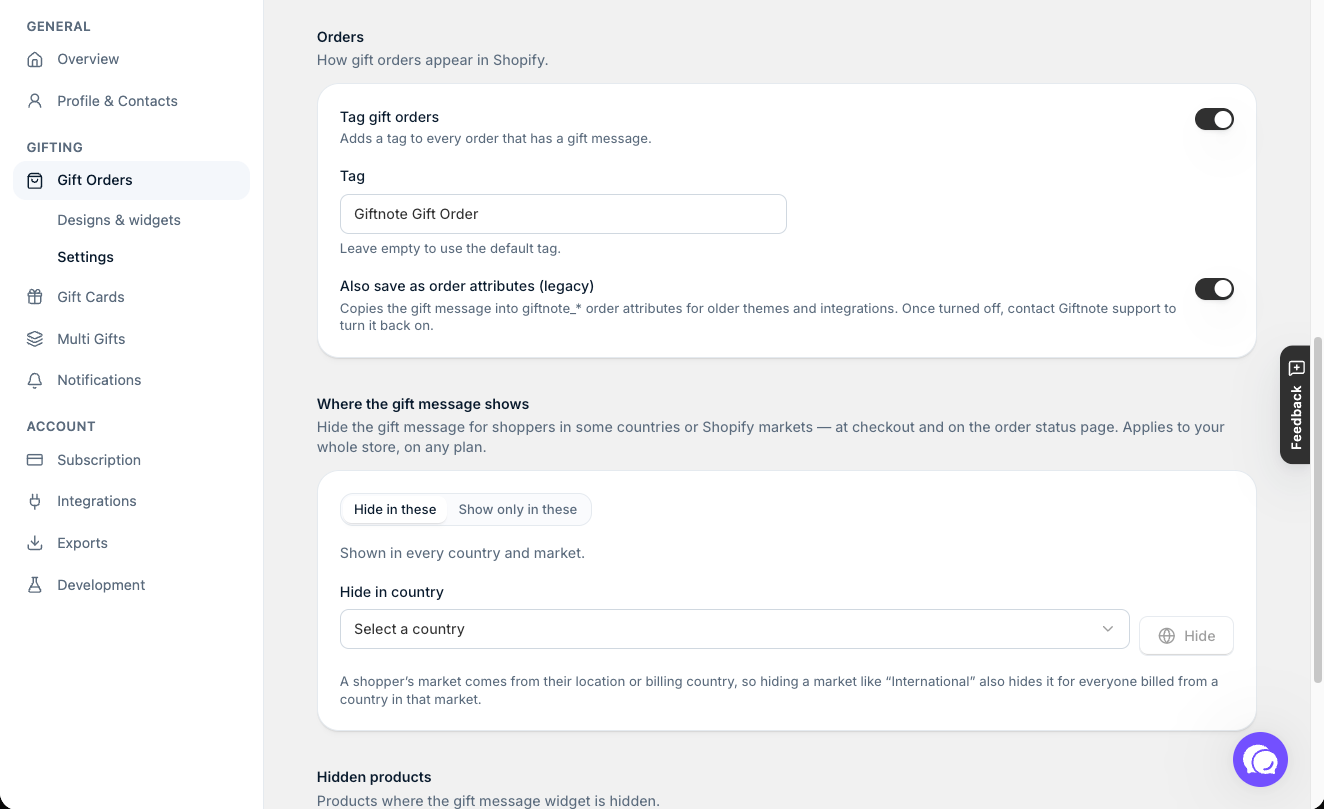
giftnote_emailnote attribute. Flow can only read it while Also save as order attributes (legacy) is on in Giftnote (Settings → Gift Orders → Settings → Orders). Once that setting is turned off, only Giftnote support can turn it back on.Value: for example $10 to $15 towards their first purchase
Flow 4: Cashback Campaign Instead of Discounts
Run a cashback offer over Black Friday and Cyber Monday instead of a discount.
Example setup
Trigger:
Order paid – ShopifyCondition:
Order total > $150Action:
Create Gift Card $(to the purchaser)Value: for example a $20 gift card
Customers pay full price, then come back to spend their gift card on the next order.
Why These Work
Gifters and loyalty members get rewarded for sharing your brand.
Recipients and cashback customers get a reason to come back and buy.
Need help setting these up? Chat with us using the chat button in the help centre or in the app, or email support@giftnote.com.
Related articles
Was this helpful?
Still need help? Share an idea