How to set up Ometria Integration
Connect Ometria with your API key and choose which Giftnote events are sent to your Ometria flows.
Written By Giftnote Team
Last updated 1 day ago
Connect Ometria and Giftnote sends Ometria an event each time a gift is ordered, delivered or received, so you can trigger gift emails from your Ometria flows in your own designs.
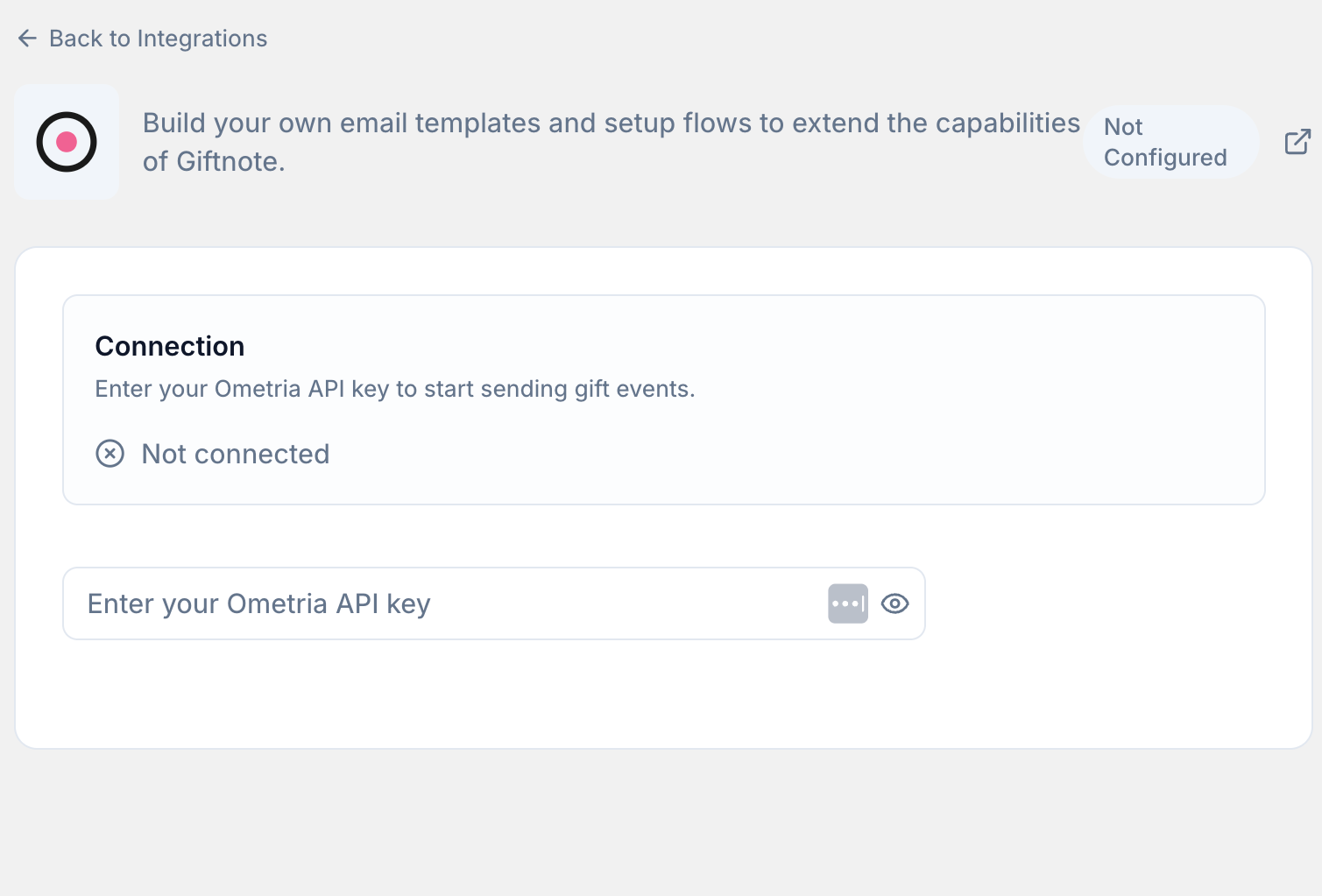
Connect Ometria
- Open the Giftnote app inside your Shopify admin.
- Go to Settings → Integrations. Find Ometria under Available, in the Marketing section, and select Connect. If it is already connected, it’s under Connected: select Manage settings.
- Paste your Ometria API key into API key. Save if a save bar appears. The top of the page then reads Connected via private API key, with a Disconnect button.
- Send test events. Select Send all test events, or select Test on a single event once its switch is on, then check the events arrive in Ometria.
- Turn on Send events to Ometria if it is off. Giftnote now sends events to Ometria.
- Turn off the matching Giftnote emails. In Settings → Notifications, turn off the Email switch on each notification Ometria now handles, so recipients don’t get two emails.
Setting up Ometria for the first time?
Ometria is our newest integration. After you connect and send test events, chat with us using the chat button in the help centre or in the app so we can check your events are arriving correctly.
Available Giftnote Events
Events are grouped under Gift Orders, Gift Cards and Multi Gift, and each has its own switch. Select Preview to see the data an event sends, or Edit to add extra fields to it. Ometria receives each event under an event type that Giftnote sets, and you can’t change it in the app.
Ometria gets the same gift moments as Klaviyo: gift orders, gift cards and store credit, and Multi Gift. For what each event means, who it’s for and when it’s sent, see Klaviyo Giftnote Events. The names are different in Ometria, so use these in your Ometria flows:
Multi Gift events start with giftnote_multiGift_, for example giftnote_multiGift_approved.
Ometria also changes the names of the properties an event carries: they are lowercase, with spaces turned into underscores. For example, Gift Card Code arrives as gift_card_code. Select Preview on an event to see what it carries.
Related articles
Was this helpful?
Still need help? Share an idea