How to connect Iterable
Connect Iterable to Giftnote with a server-side API key, send sample events, and choose and rename the events Iterable receives.
Written By Giftnote Admin
Last updated 6 days ago
Connect Iterable and Giftnote sends Iterable an event each time a gift is ordered, delivered or received, so you can trigger gift emails and messages from Iterable in your own designs.
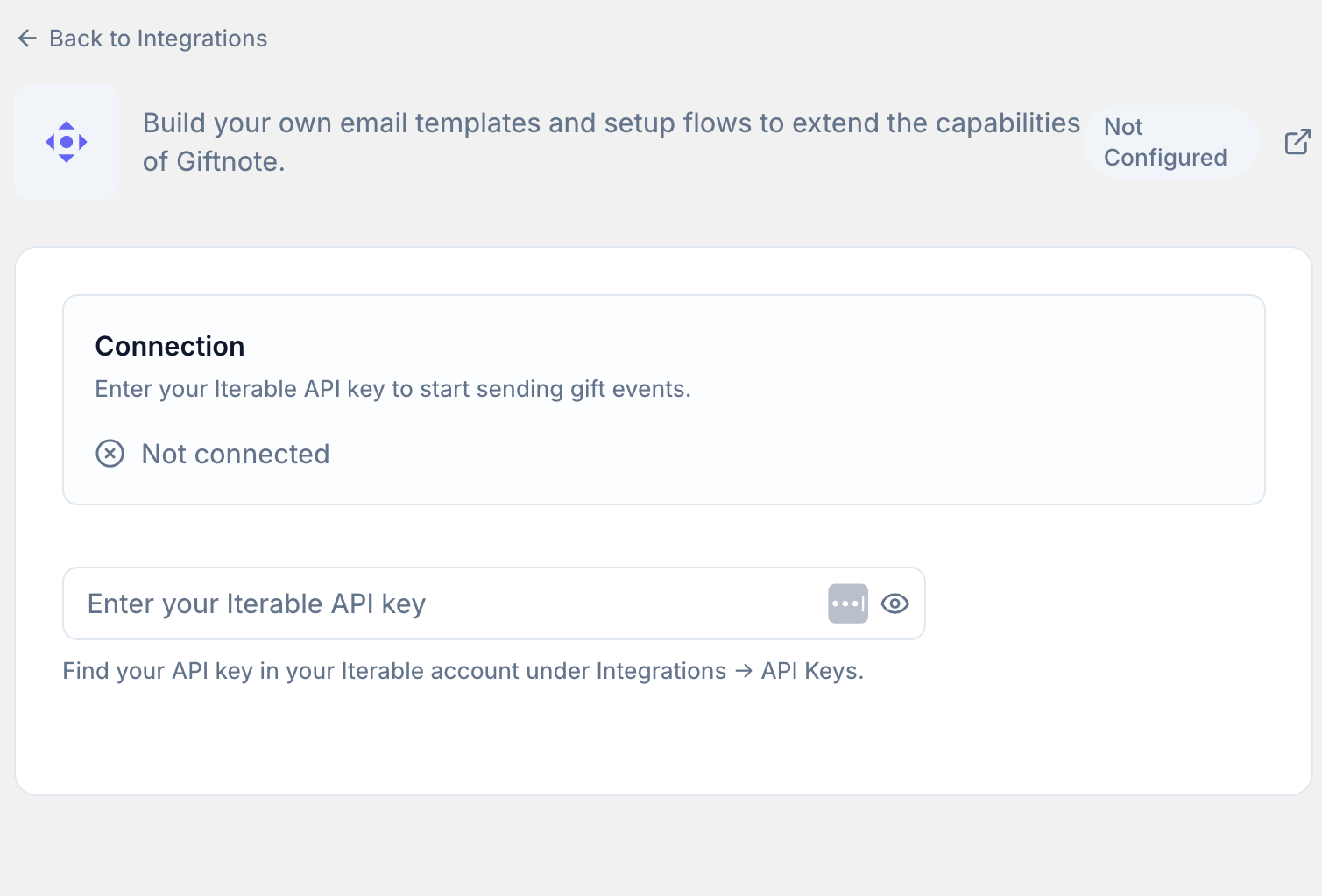
Create an Iterable API key
- In Iterable, go to Integrations > API Keys.
- Create a new Server-Side API key for Giftnote.
- Copy your API key. Iterable only shows it once.
Connect Iterable to Giftnote
- Open the Giftnote app inside your Shopify admin.
- Go to Settings → Integrations. Find Iterable under Available · Marketing and select Connect. If it is already connected, it's under Connected: select Manage settings.
- Enter the API key into Giftnote. Save if a save bar appears. The top of the page then shows via private API key, with a Disconnect button.
Send sample events
- Select Send all test events to send sample events to Iterable. Use Test on one event to send just that one.
- In Iterable, go to Insights > Events. You should see the sample events from Giftnote.
- Use these events as custom triggers in your Iterable journeys. Events are grouped under Gift Orders, Gift Cards and Multi Gift. Select Preview to see its data, or Edit to change the event name Iterable receives. To see who each event goes to, check its badge in Settings → Notifications. The full list is in Klaviyo Giftnote Events (Iterable gets the same events).
Turn on the integration
- Leave the switch on for each event you use. Each event has its own switch, for example Send Gift Order - Gift Message Delivered to Iterable.
- Turn on Send events to Iterable if it is off. Save if a save bar appears.
- Turn off the matching Giftnote emails. In Settings → Notifications, turn off the Email switch on each notification Iterable now handles, so recipients don't get two emails.
Related articles
Was this helpful?
Still need help? Share an idea