Loop returns Integration
Turn on the Loop Returns integration so gift recipients get a return link in their Giftnote notifications and your email tool receives it in gift events.
Written By Giftnote Admin
Last updated About 21 hours ago
Connect Loop Returns and Giftnote adds a Loop return link to the gift notifications your recipients get, so they can start a return themselves. The link is also sent to your email tool (Klaviyo, Dotdigital and others) with each gift order event.
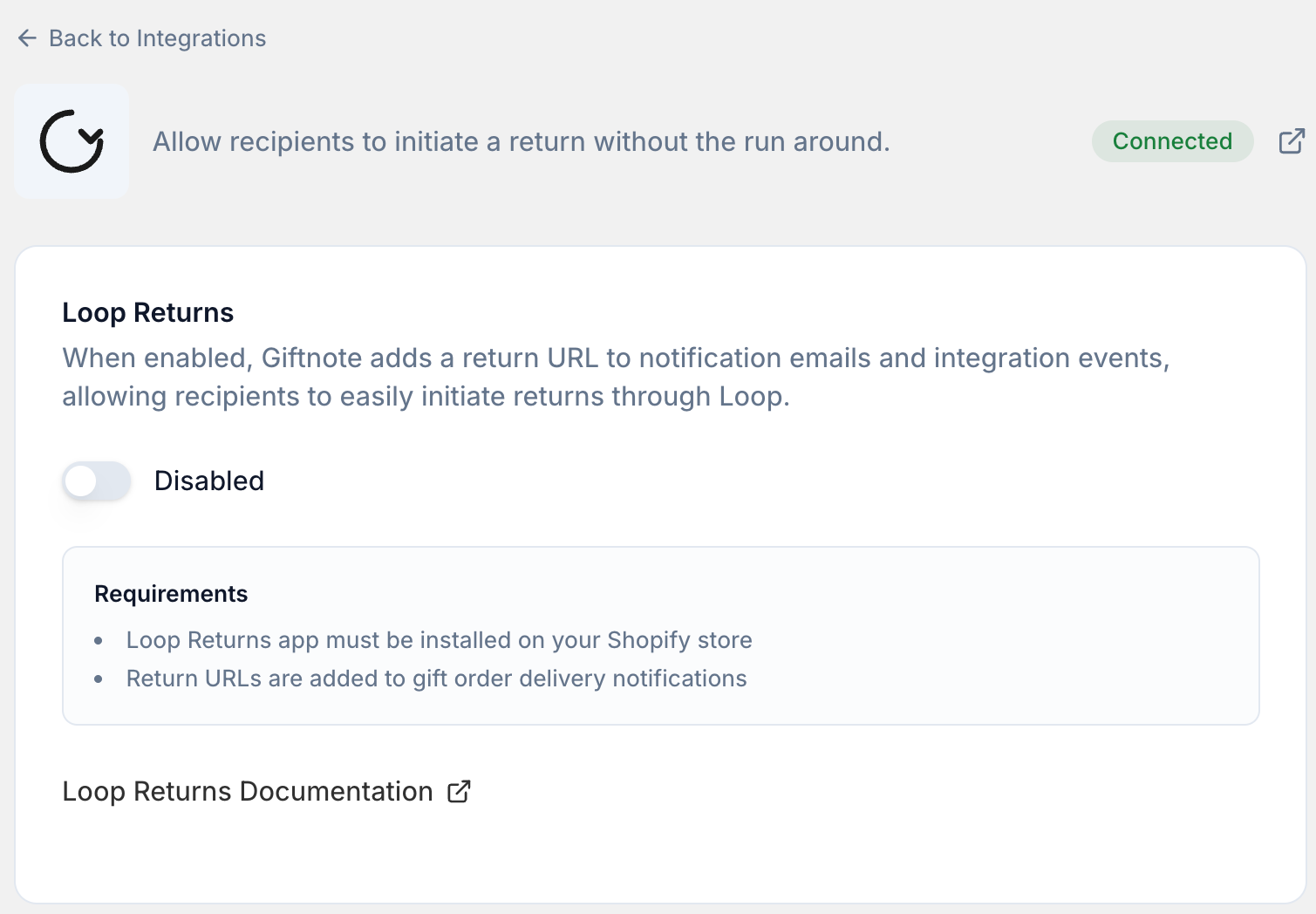
Before you start
You need the Loop Returns app installed and set up on your Shopify store. This guide doesn't cover setting up Loop itself.
Turn on the integration
- Open the Giftnote app in your Shopify admin and go to Settings → Integrations.
- Find Loop Returns under Available and open it.
- Turn Loop Returns on, then select Save. Loop Returns then moves to Connected on the Integrations page.
The return link in Giftnote notifications
Once it's on, Giftnote adds a Start a gift return link to the delivery notification your recipients get. Only recipients get it: the customer who bought the gift doesn't, because the recipient is the one with the item.
Using the return link in Klaviyo and other email tools
If you've also connected Klaviyo, your gift order events carry the Loop return link, so you can add it to your Klaviyo flow emails as a link or button. There's a copy-paste block for it in Klaviyo flow templates and event reference.
Your other connected email tools get the link too. In Dotdigital the personalization value is @RETURNURL@. In Klaviyo, Iterable, Attentive and Ometria, select Preview on your gift order events in that integration's settings page to find the field.
Need help? Chat with us using the chat button in the help center or in the app, or email support@giftnote.com.
Related articles
Was this helpful?
Still need help? Share an idea