9. Gift Card Fraud Prevention
How Giftnote disables a gift card when its Shopify order is cancelled for fraud, and how to review gift card orders by hand.
Written By Giftnote Admin
Last updated 22 days ago
On the free plan? This feature needs the Core or Professional plan. Choose a plan in Settings > Subscription in the app, or email support@giftnote.com and we'll help you choose. Which plan do I need?
Gift Card Fraud Prevention
When a fraudulent order is cancelled in Shopify, Shopify doesn't disable the gift card that order created. Giftnote does it for you. There's nothing to set up: it works as soon as Giftnote is installed.
Why this matters
Someone who buys a gift card with a stolen payment card wants to spend or resell the code. Giftnote blocks the card once the order is cancelled, so the code stops working.
How it works
- Shopify, or a fraud app such as NoFraud, flags the order.
- The order is cancelled in Shopify.
- Giftnote sees the cancellation and disables the gift card from that order.
What to know
- This works after a gift card has been issued. It doesn't stop the purchase at checkout.
- Gift cards can be disabled, not deleted. Treat disabling as permanent.
- Send Now gift cards go out 15 minutes after payment. If your fraud app holds the payment until it approves the buyer, the 15 minutes starts after approval.
Want someone to check gift card orders first?
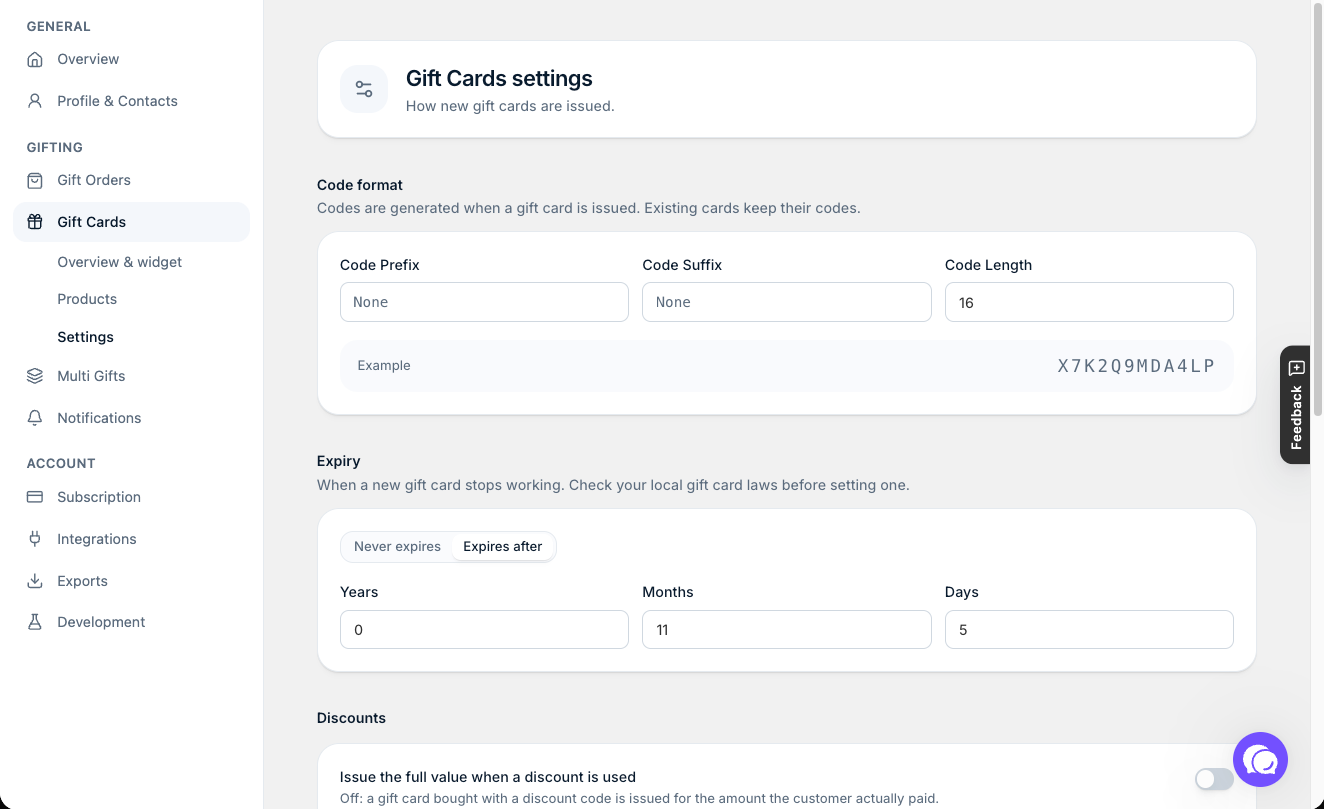
Turn off Automatically fulfill gift card orders in Settings > Gift Cards > Settings. Gift card orders then sit unfulfilled in Shopify until someone fulfills them by hand.
Discount handling
With Issue the full value when a discount is used off (the default), a gift card bought with a discount is issued for what the customer paid. A $100 card bought with 20% off becomes an $80 card. Both settings are explained in Gift Card Advanced Settings.
Need help? Chat with us using the chat button in the help centre or in the app, or email support@giftnote.com.
Related articles
Was this helpful?
Still need help? Share an idea