3. Issue Store Credit Directly from a Shopify Order
Give a customer store credit straight from their order in Shopify admin, using More actions → Issue store credit.
Written By Giftnote Team
Last updated 22 days ago
On the free plan? This feature needs the Core or Professional plan. Choose a plan in Settings > Subscription in the app, or email support@giftnote.com and we'll help you choose. Which plan do I need?
When a customer contacts you about an order, you can give them store credit straight from that order in Shopify, without opening Giftnote.
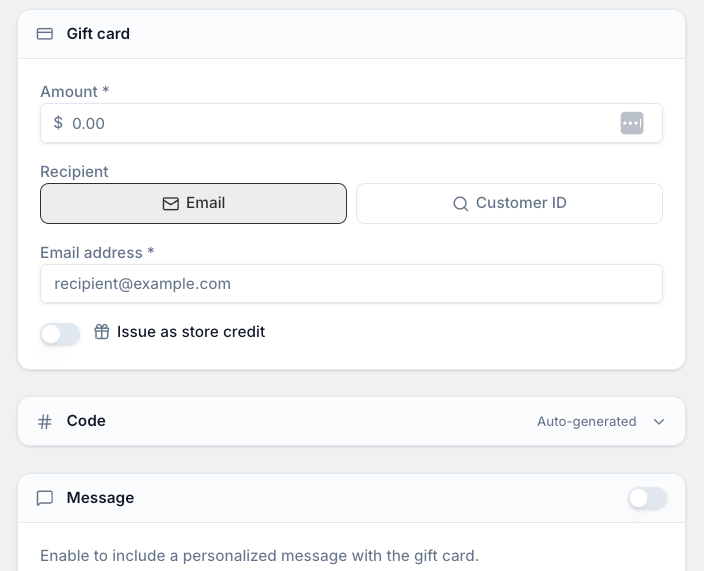
The screenshot shows the same option inside Giftnote (Gift Cards > Create gift card). Use that form when you aren't working from an order: see Create Store Credit.
Issue store credit from an order
- In your Shopify admin, open the order.
- Select More actions at the top right, then Issue store credit. A panel opens.
- Check the Customer email. This is the customer who gets the credit.
- Enter the Value of the credit.
- Choose an Expiry: None (never expires), Default (your account's default expiry) or Custom (pick a future date).
- Submit to issue the credit.
Don't see Issue store credit, or the panel looks different? Chat with us using the chat button in the help centre or in the app, or email support@giftnote.com.
Related articles
Was this helpful?
Still need help? Share an idea