3. Gift orders and messages
What changed for gift orders and messages in the September 2026 update: live syncing, the 15-minute Send Now window, automatic carriers, and new ways to fix an order.
Written By Giftnote Team
Last updated 22 days ago
Gift orders and messages
Your customers add gift messages the same way as before. Behind the scenes, Giftnote now keeps in step with Shopify as orders change, and gives you more ways to fix a gift order. You don't need to change anything, but two things behave differently: Send Now messages wait 15 minutes before sending, and Giftnote detects carriers for you.
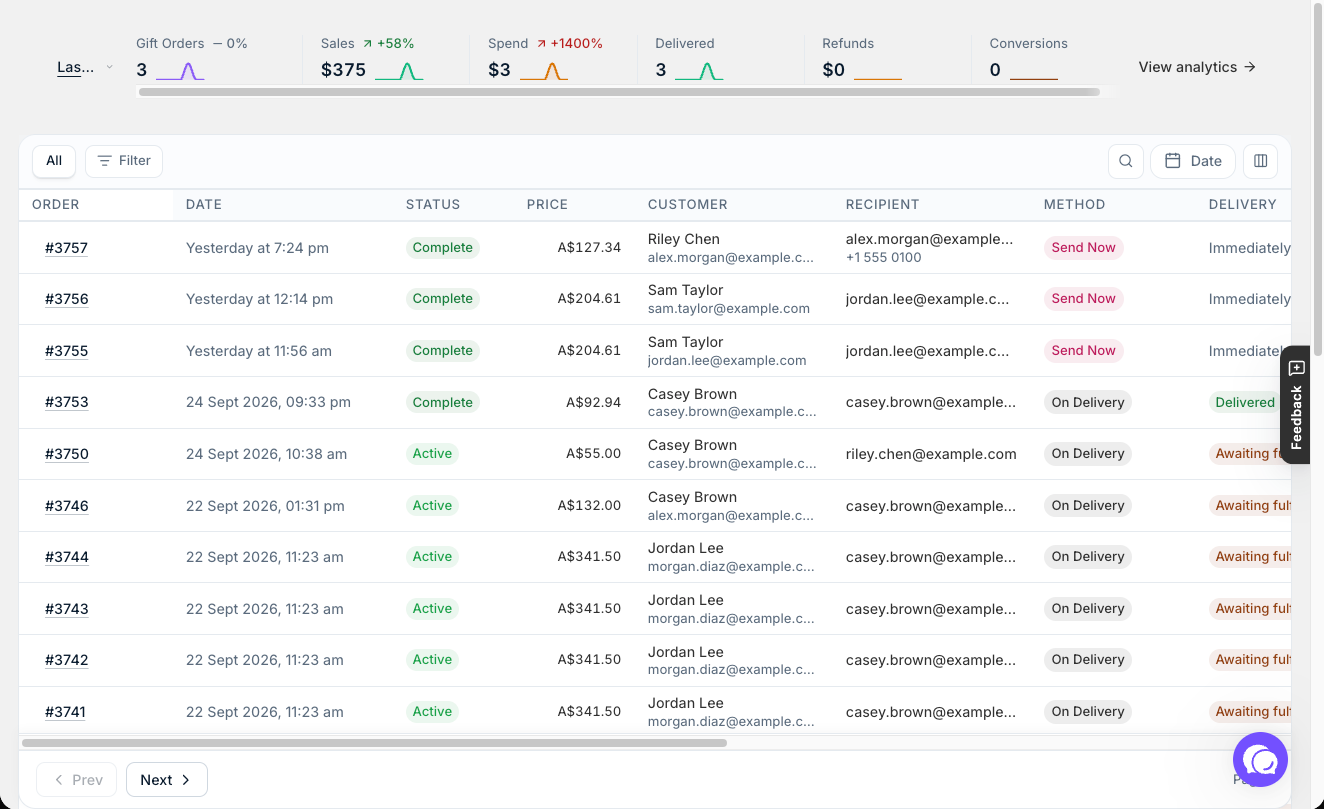
Orders that stay in sync
- Live syncing. Changes you make in Shopify show up in Giftnote as they happen, with no waiting for a scheduled refresh.
- Orders in several parcels. Giftnote tracks each parcel, and you choose which parcel decides the gift's delivery status.
- Cancellations take effect straight away.
- Stuck orders recover. Giftnote finds orders that get stuck and processes them again.
Messages that arrive at the right moment
- A 15-minute window. Send Now gift messages wait 15 minutes after checkout. That gives a cancelled or fraud-flagged order time to stop, and gives you time to fix a typo. Send Now gift cards also wait 15 minutes, counted from when payment is received. If a fraud app holds payment until the buyer is approved, the 15 minutes starts after approval.
- On Delivery messages send as soon as the carrier or Shopify confirms delivery.
- On Fulfillment. A new delivery option that sends the message when the order ships, without waiting for delivery. See Delivery Options: Send Now, Send Later, On Delivery, On Fulfillment.
- Choose your delivery methods. Turn Send Now, Send Later, On Delivery and On Fulfillment on or off in Settings → Gift Orders → Settings.
- Character count. Gift messages can be up to 500 characters, and the app shows a live count when you edit one.
- No carriers to set up. Giftnote works out the carrier from each new order's tracking number.
More control over each gift order
- Fix it from the order. Edit the message and recipient, change the delivery method and scheduled time, or pick a different fulfillment.
- Retry and resend. Each notification shows whether it sent, with details if it failed, and you can retry or resend it.
- Health. Each gift order shows a Health status. If something needs attention, you see what went wrong, and Reprocess runs the order again once you've fixed it.
- Add a message to any order. Create message adds a gift message to a Shopify order that doesn't have one, even if the customer skipped it at checkout.
- Archive. Archiving removes a gift order from your active list and stops any further gift processing. You can't undo it, and Giftnote never deletes gift orders.
Related articles
Was this helpful?
Still need help? Share an idea