3. Viewing Gift Notes via Shopify Order Admin
Add the Giftnote summary block to your Shopify order page once, so you can see gift details on any order without leaving Shopify admin.
Written By Giftnote Admin
Last updated 22 days ago
On the free plan? This feature needs the Core or Professional plan. Choose a plan in Settings > Subscription in the app, or email support@giftnote.com and we'll help you choose. Which plan do I need?
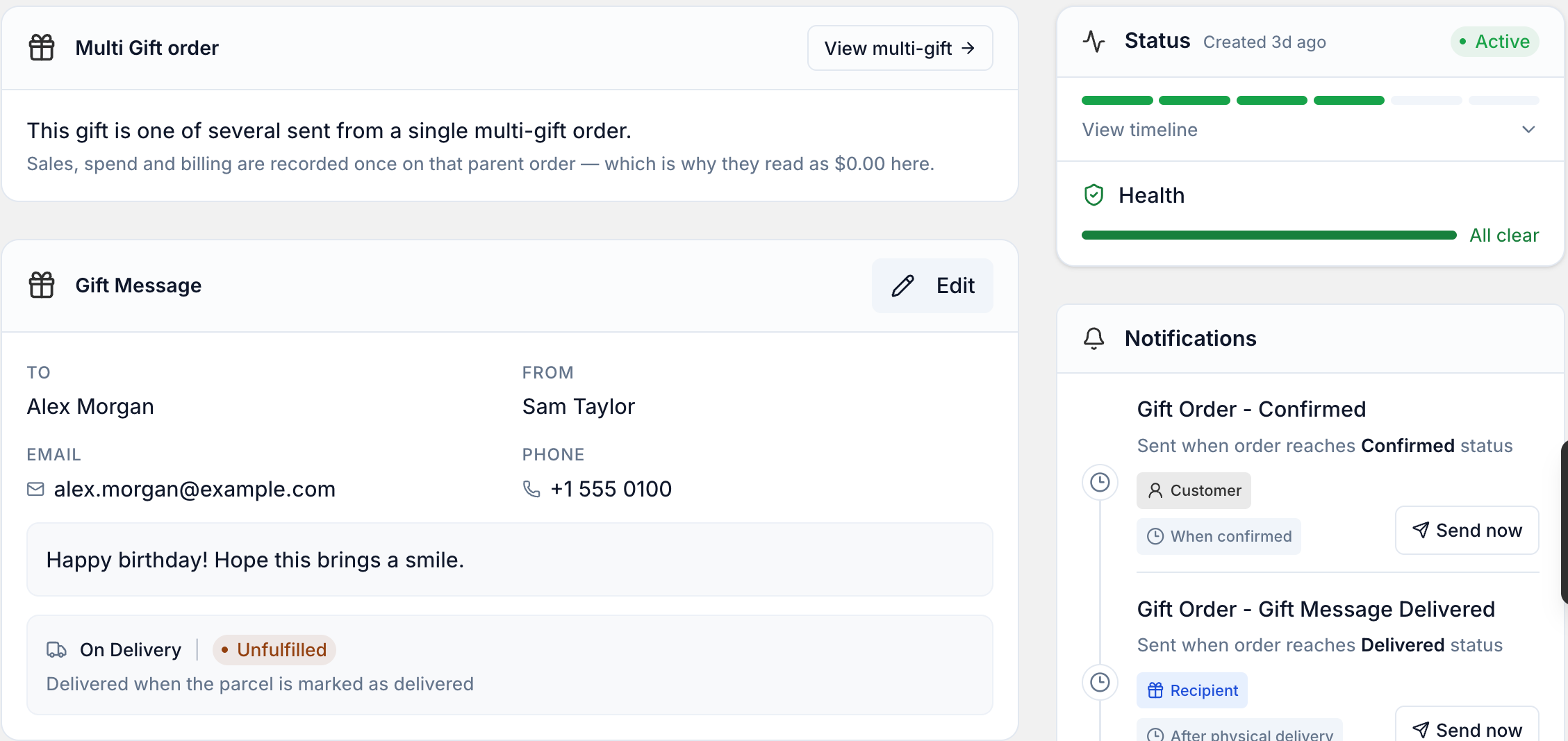
Add the Giftnote summary block to your Shopify order page to see an order's gift details without leaving Shopify admin. You add it once, and it then shows on every order with a gift order, gift card or multi gift. To look an order up in Giftnote instead, see Search: How to Find, View and Edit a Giftnote via Shopify Orders.
Steps
- In Shopify admin, open any order.
- Scroll to the bottom of the order page and select Add app block.
- Choose Giftnote summary from the list.
- Pin the block (recommended), so it shows on every order page from now on.
- Refresh the page to load the gift details.
- Select Open in app in the block to open the full gift order in Giftnote.
Related articles
Was this helpful?
Still need help? Share an idea